
No. 001 · Planning & creating
StarMap
A flexible workspace for visual thinkers to plan and create.
Lay out anything on one big, open workspace: notes, pictures, documents, to-do lists, and boards inside boards, all connected with lines and arrows. Whether you're plotting a novel, planning a project, studying, or mapping out a hobby, StarMap gives your ideas room to spread out. It's a free alternative to Milanote: no subscription, no account, and nothing to sign up for.
Coming soon for Windows. StarMap is almost ready for its first public release. It'll be free to download right here.

Who it's for
Made for visual thinkers
If you think better when you can see it all laid out, StarMap is for you.
Writers
Plot a novel, build characters, and keep a whole world on one page.
Students
Mind-map a topic and gather notes, pictures, and links in one place.
Planners
Map out a project, an event, or a move, with to-do lists that track your progress.
Makers and hobbyists
Collect inspiration, photos, and plans for your next build.
Game masters and worldbuilders
Maps, characters, and session notes, linked together.
Dreamers
A vision board for your goals and the life you're building.
What's inside
Everything on one page
Give your ideas room to spread out, then put them in order.
-
Boards you can see into
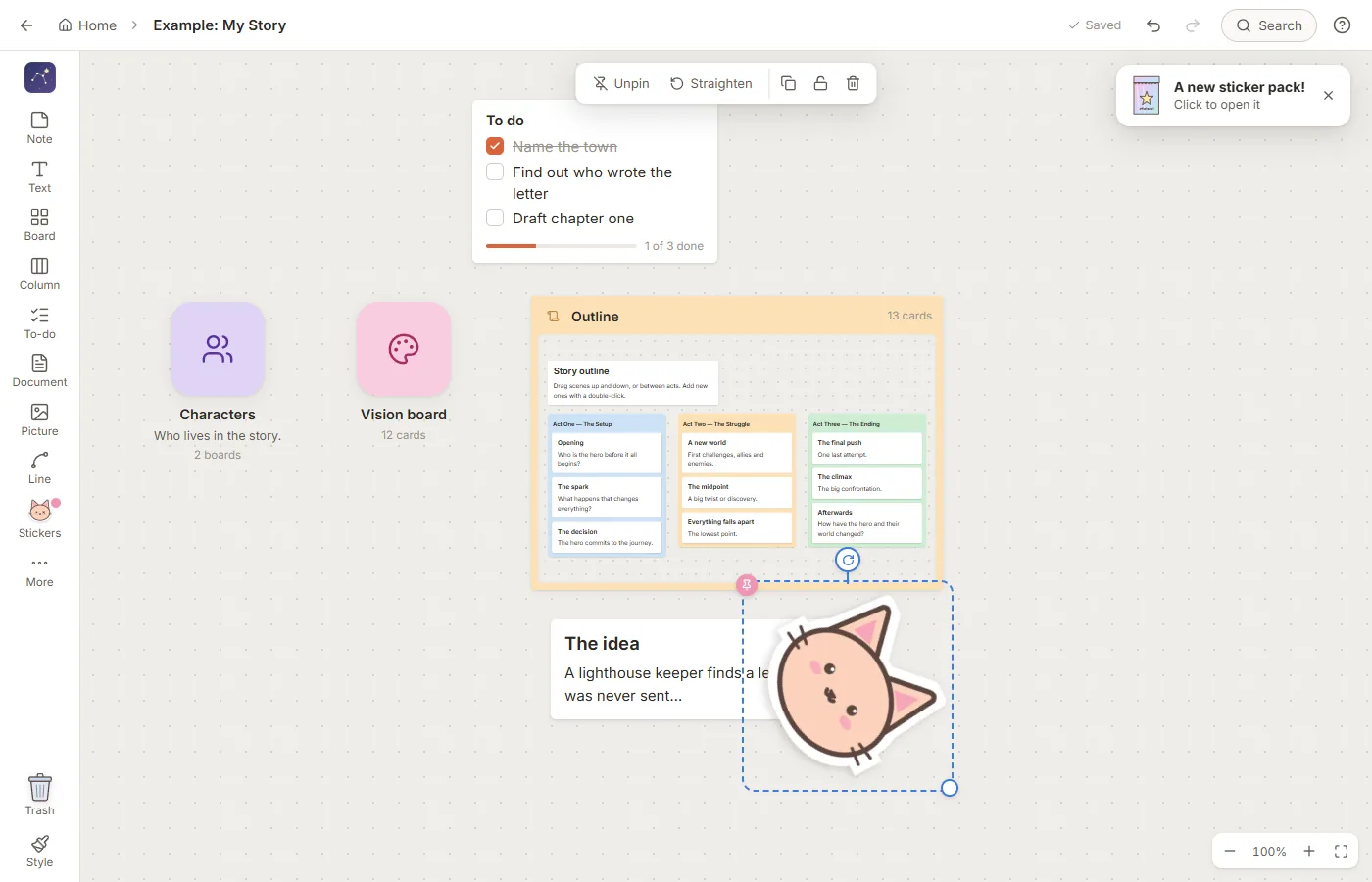
Put boards inside boards and see what's in them at a glance, without opening them. Or keep them tidy as icon tiles.
-
All the pieces
Notes, free text, documents, columns, to-do lists, pictures, files, and links, connected with lines and arrows that stay attached as you move things around. Documents export to Word, PDF, or plain text.
-
Your own templates
Build a board exactly the way you like it, then duplicate it whenever you start something new. A few starter templates are included to get you going.
-
A sticker book
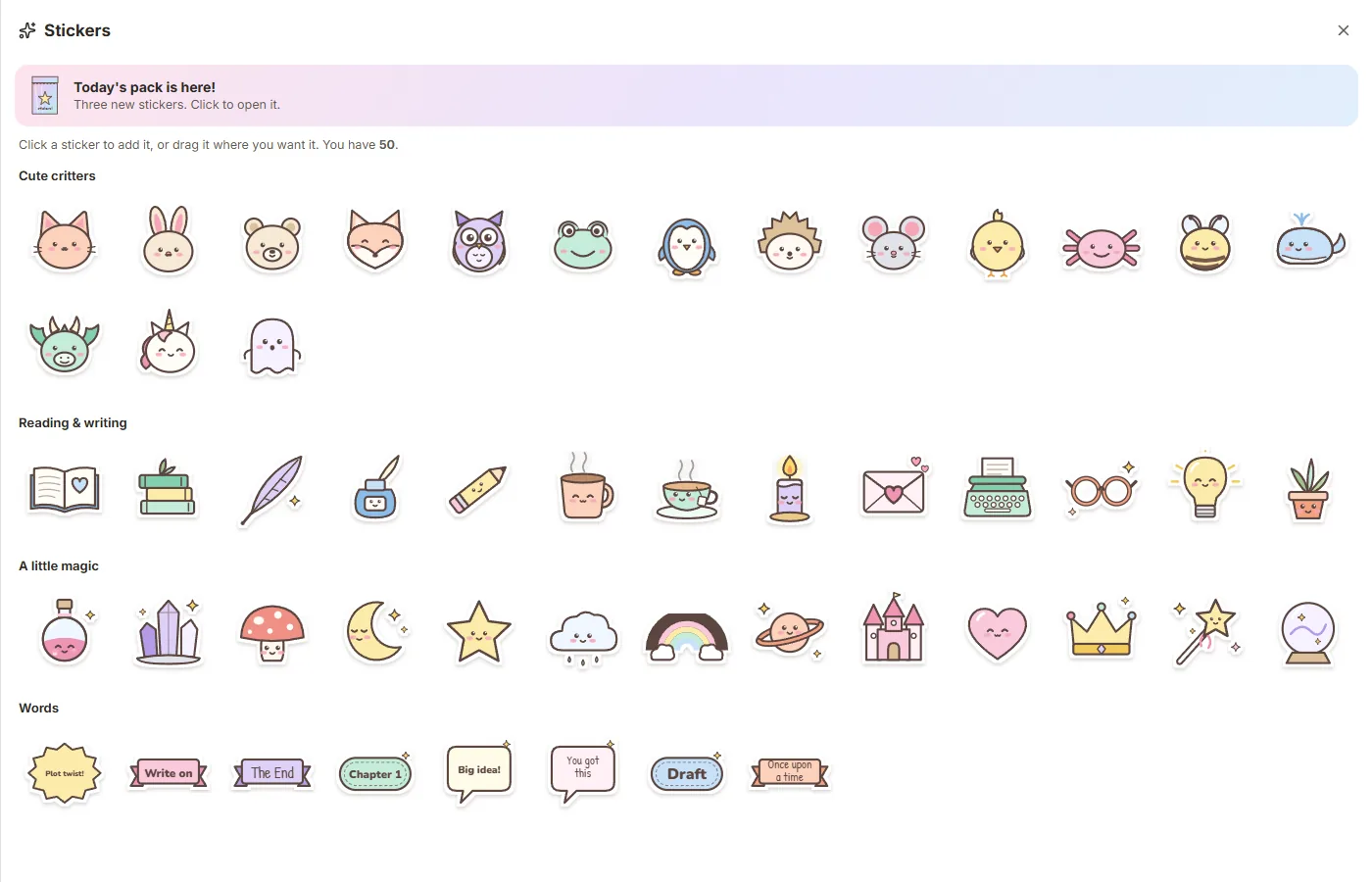
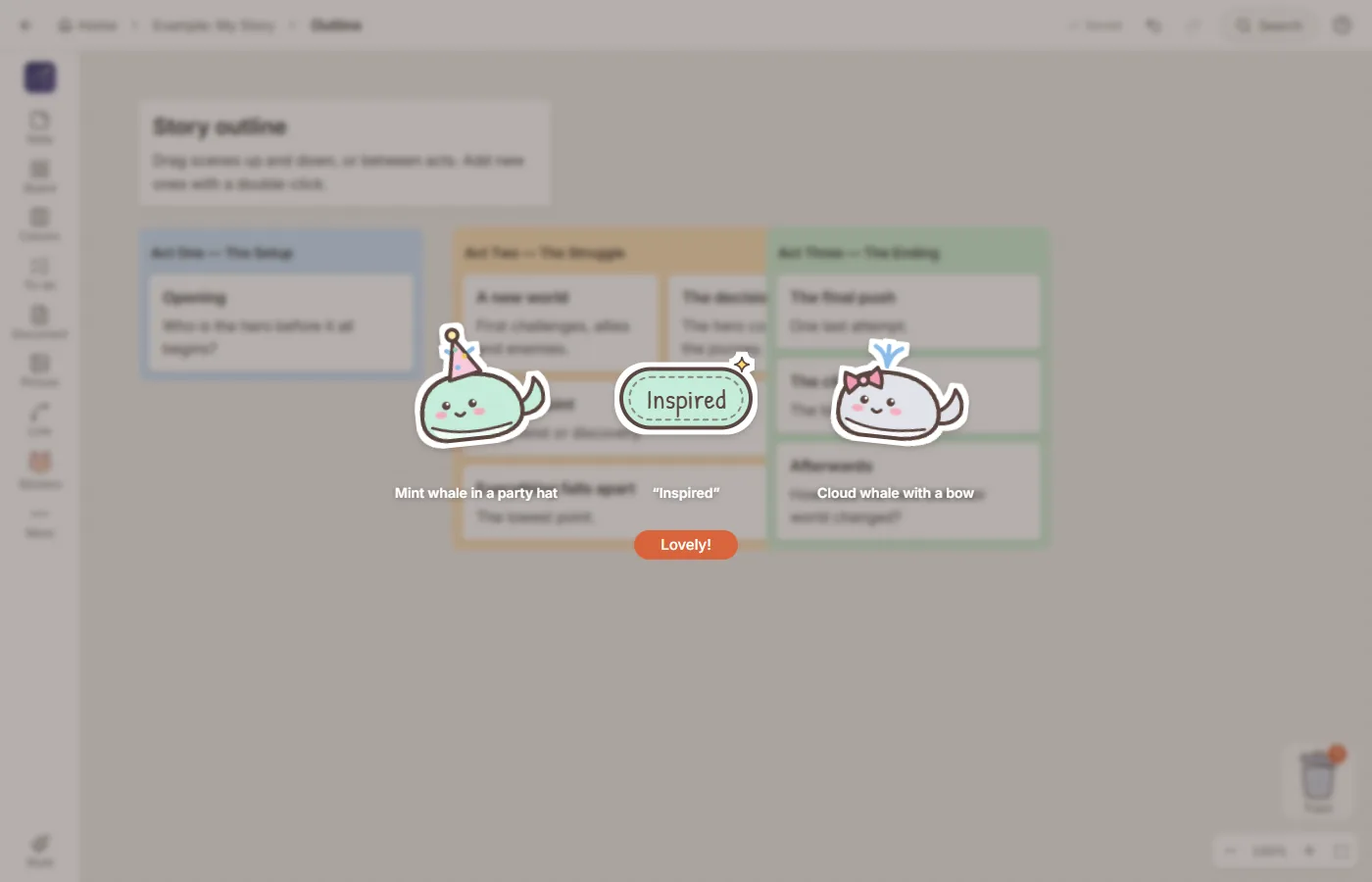
Start with 50 cute stickers and open a new pack of three every day, with hundreds more to collect. Stick one on any note, picture, board, or list, and it stays stuck as you move things around. Changed your mind? It's easy to unstick.
-
Make it yours
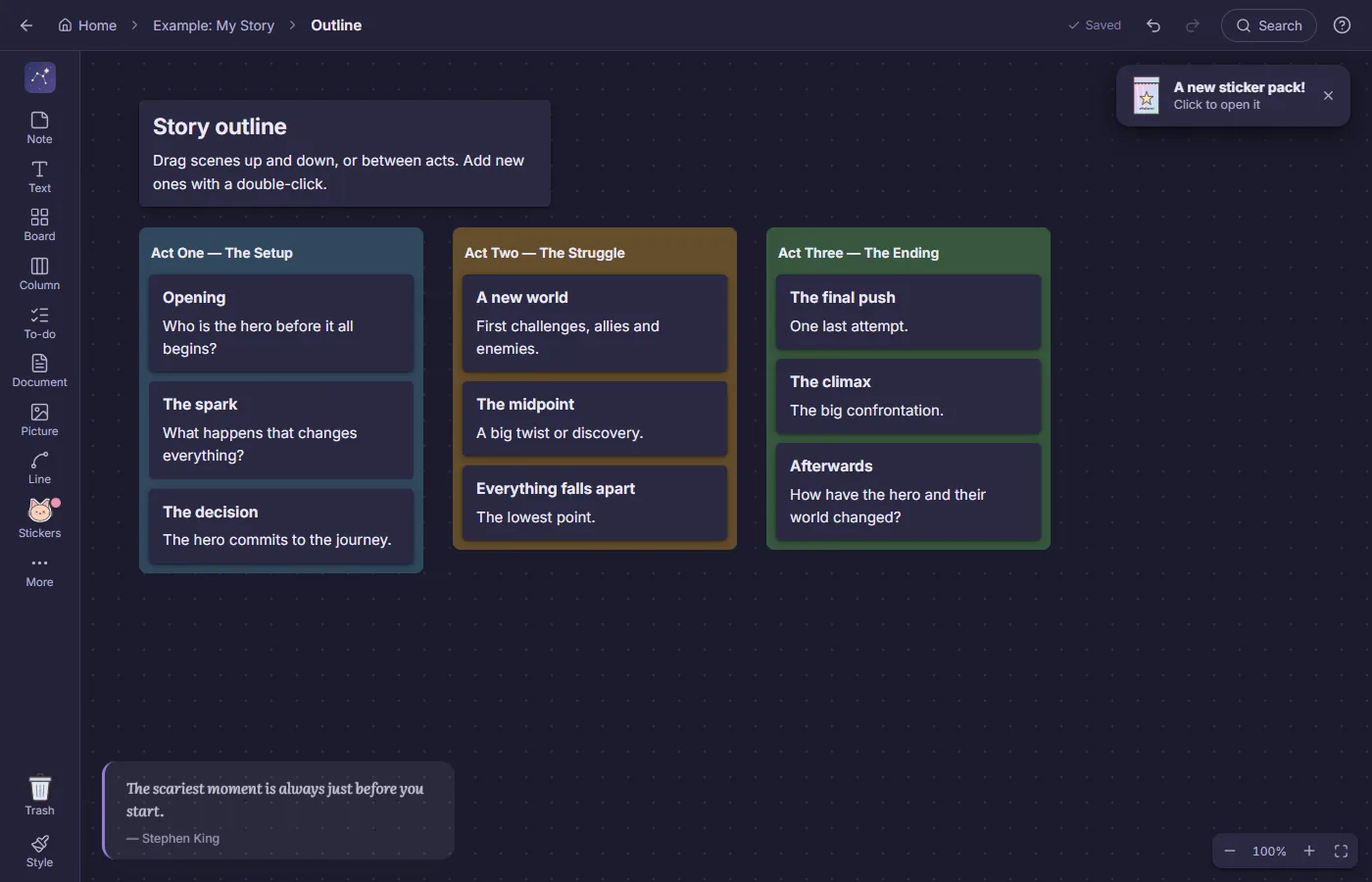
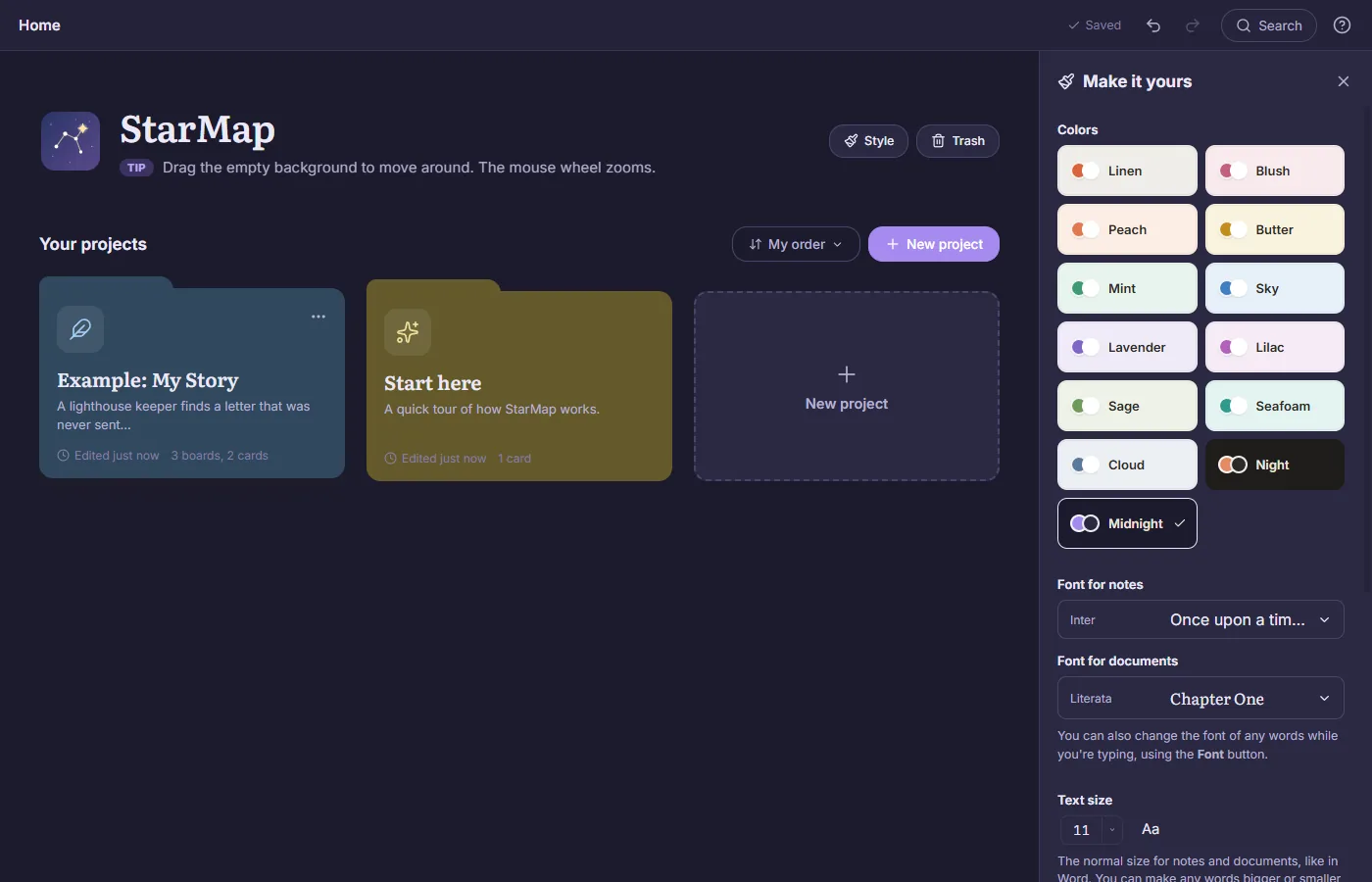
13 color themes (two of them dark), 24 pastel card colors with adjustable transparency, 21 fonts, and Word-style text sizes.
-
Help built in
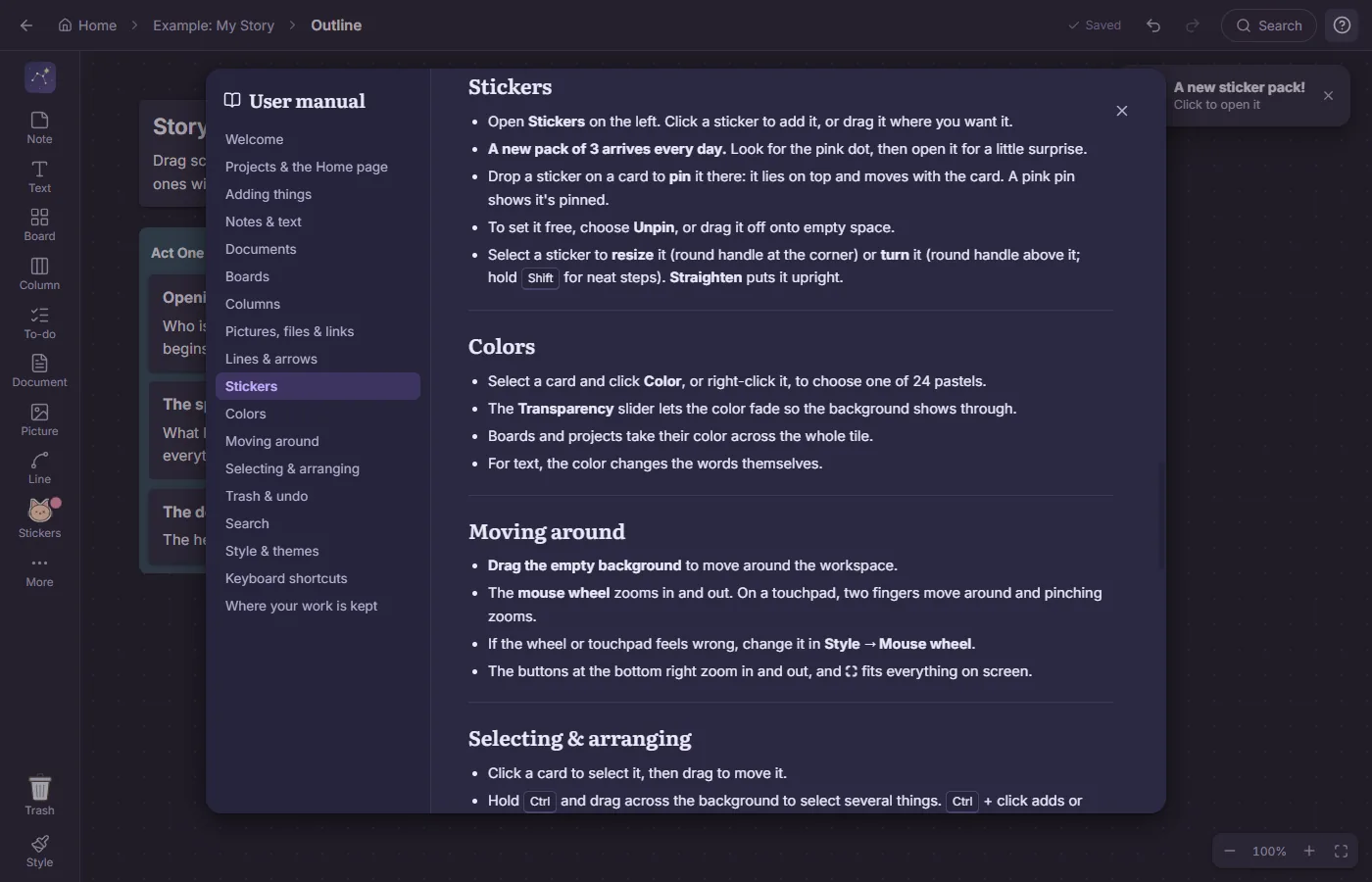
A full user manual built into StarMap, search across all your work, undo for any slip-up, and a daily quote to get you going.
A closer look
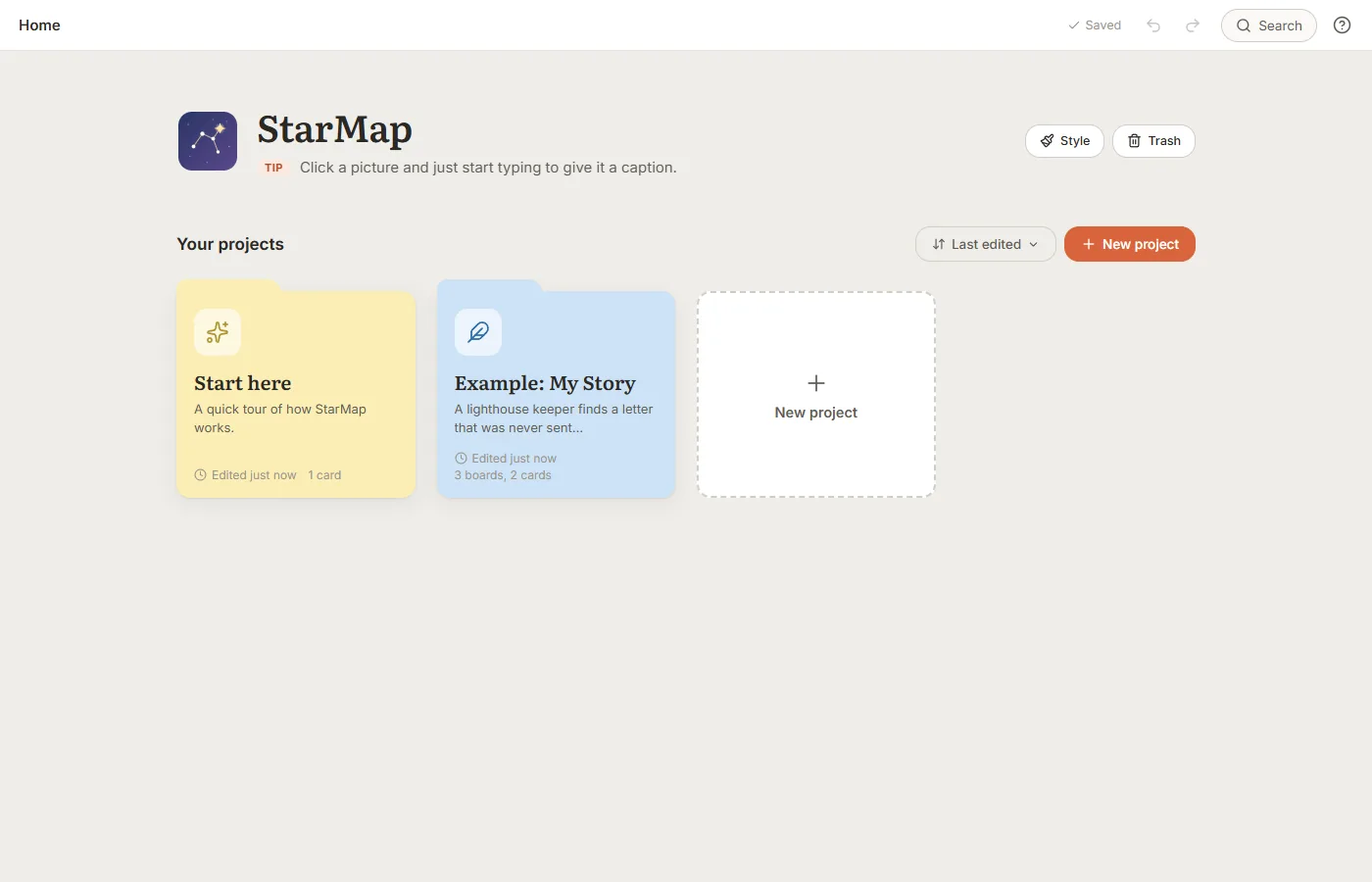
Screenshots
Peace of mind
Your work is safe
StarMap keeps your work on your computer, and keeps it backed up.
- Saves as you go. There's no save button to forget.
- A backup every day, kept for 30 days.
- Ordinary files in your Documents folder (Documents\StarMap). Copy that folder and you've backed up everything.
- No account and no sign-up. It works without the internet.
- Your work stays on your computer. StarMap only goes online when you ask it to, like showing a preview of a web link you've added.
Good to know
Questions
Is it really free?
Yes. No trial, no ads, no subscription, and no paid version.
When can I download it?
Very soon. It's being polished for its first public release, and it will be free to download from this page.
Is it only for writers?
Not at all. It has a few templates for writers, but it works for anything you'd plan on a wall of sticky notes: school, work, hobbies, or life's big projects.
Does it need the internet?
No. StarMap works offline. It only goes online when you ask it to, for example to show a preview of a web link you've added.
Is there a Mac version?
Not yet. StarMap is for Windows 10 and 11.
Where is my work saved?
In a StarMap folder inside your Documents folder. Pictures and files you add keep their original names. Copy that folder and you've backed up everything.
I have an idea or a question.
We'd love to hear it. Use the feedback page; StarMap will already be picked.